
Why every business should use a password manager
Many organisations pay a lot of attention to firewalls, backups and antivirus software, but forget one of the biggest security risks: passwords. Employees use the same passwords on multiple websites, store login details in Excel files, or share passwords on sticky notes and via WhatsApp.
That may seem harmless, but stolen or weak passwords are still one of the main causes of data breaches and cyber attacks. According to various studies, a large share of security incidents start with stolen, cracked or reused login credentials.
Now that cyber criminals increasingly use artificial intelligence to automate phishing campaigns and analyse stolen data, getting the basics right is more important than ever. A password manager is one of the simplest and most effective security measures an organisation can take.
Stronger passwords without extra effort
A good password manager makes sure employees use a unique, strong password for every website or application. Instead of coming up with passwords themselves, the software automatically generates complex passwords that are hard to guess or crack. A password manager also checks whether passwords are being reused and warns you when a password is weak or unsafe.
Sharing passwords securely
Almost every organisation has applications that several employees need access to. Think of supplier portals, job platforms, marketing tools or other services that don't offer individual user accounts.
With a password manager, login details can be shared securely without employees needing to know the actual password. And you can always see who has access to what.
That puts an end to passwords in Excel files, notes, emails or WhatsApp messages.
And when an employee leaves the organisation? You no longer need to change all shared passwords manually. You simply revoke their access, while all passwords stay safely within the organisation. That saves time and prevents security risks.
Working more efficiently
A password manager is not only more secure, it is also easier.
Users no longer have to remember or look up passwords. Websites and applications are recognised automatically and login details are filled in automatically.
Modern solutions can even fill in two-factor authentication codes automatically. This means employees need to reach for their phone less often, and logging in is faster and more efficient.
Double protection
Although strong passwords remain essential, a password alone is no longer enough these days. That is why security specialists recommend always using two-factor authentication (2FA) alongside a password manager. This requires a second verification step in addition to the password, such as an authenticator app or hardware token.
Even if a password is stolen, the account stays better protected against unauthorised access. AXS ict can help you enforce 2FA for all employees on every essential application your business uses.
Official Keeper partner
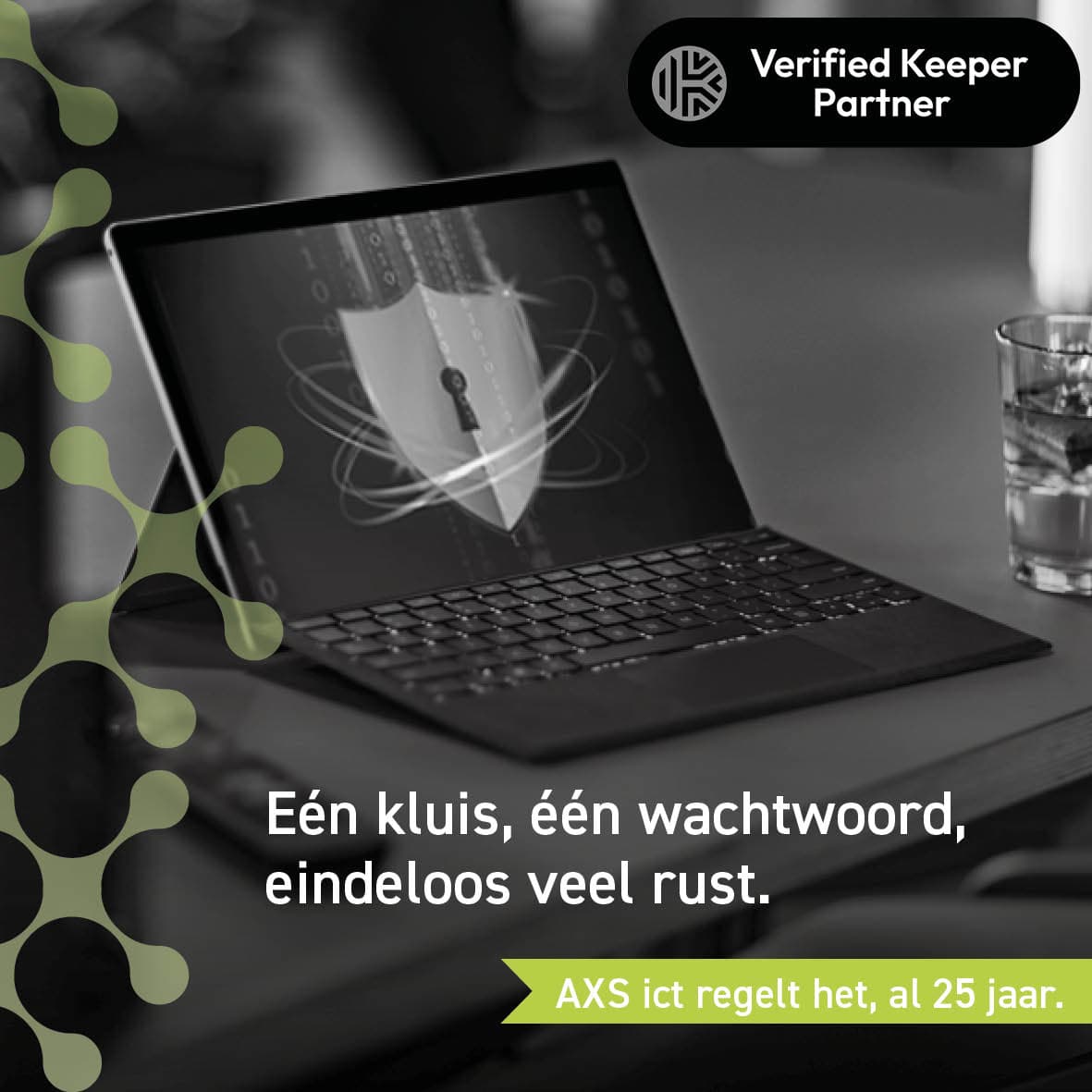
AXS ict tested Keeper's password manager as the best, and we use it as the standard solution for our clients. We have also recently become an official Keeper partner. This means our staff are trained to set up Keeper so that your organisation gets the most out of it.
Is your business not yet using a central password manager? Don't wait any longer, and take this simple step towards better-secured IT. Send us a message and we'll get started for you as soon as possible!